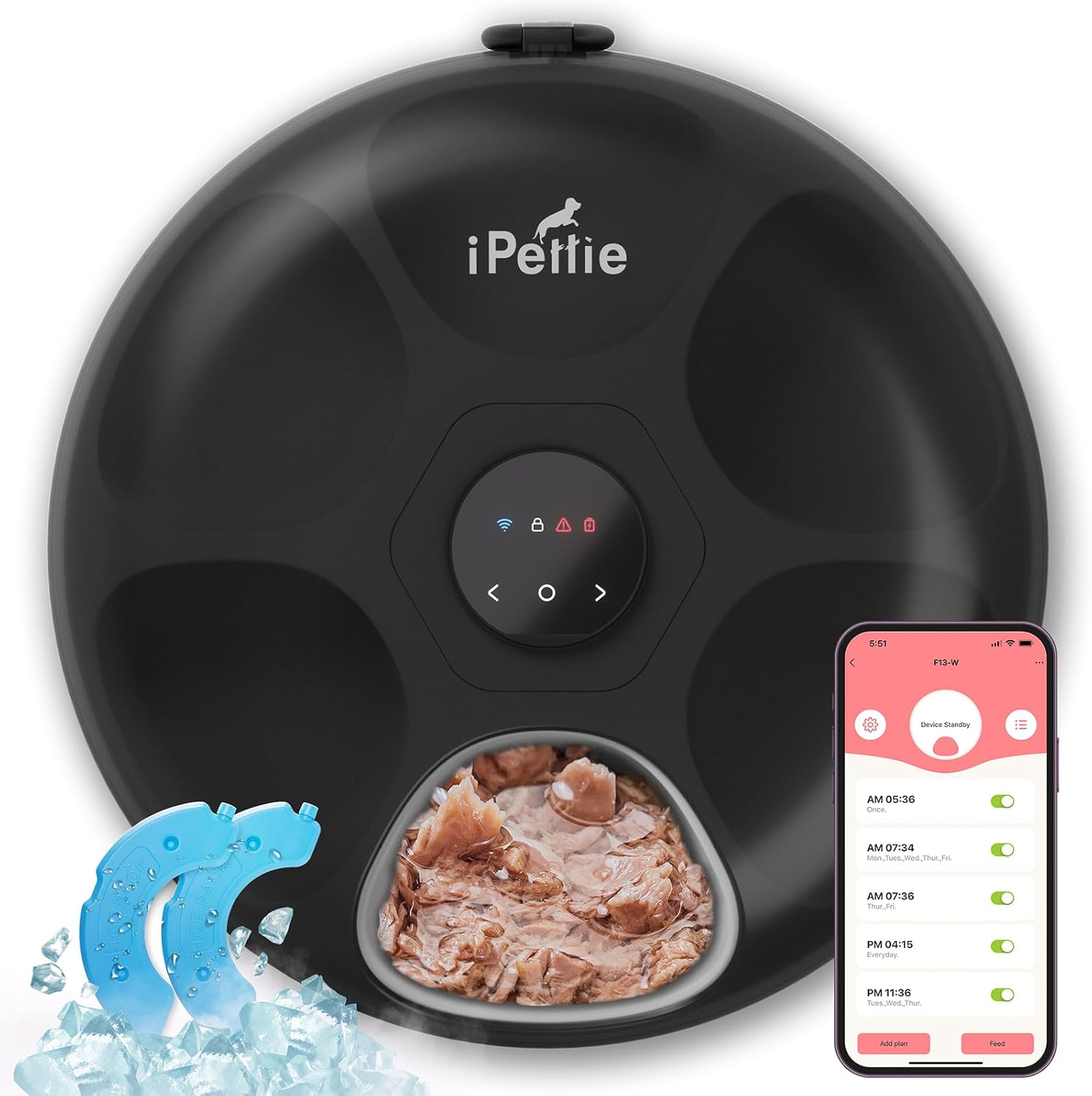
WiFi vs Bluetooth Cat Feeder Comparison 2026
The first decision when shopping for a smart cat feeder is not brand or capacity — it is connectivity.
Every modern automatic feeder falls into one of three categories: WiFi-connected, Bluetooth-connected, or mechanical (no app at all) . The choice determines how you control the feeder, how reliable it is, and what happens when the internet goes down.
Some feeders — like the PETLIBRO Granary and Polar — offer both WiFi and Bluetooth. Others commit to one protocol.
This comparison covers WiFi and Bluetooth cat feeders across range, reliability, features, power consumption, and real-world usability.
Quick Summary: WiFi vs Bluetooth at a Glance
| Factor | WiFi Feeder | Bluetooth Feeder |
|---|---|---|
| Control from anywhere | ✅ Yes (internet required) | ❌ No (must be in range) |
| Range | Unlimited (via internet) | ~30–100 feet |
| Home network required | Yes (WiFi + router) | No (phone connects directly) |
| Setup difficulty | Moderate (WiFi pairing) | Easy (direct Bluetooth pairing) |
| App responsiveness | Depends on internet speed | Instant local connection |
| Battery drain | Higher (WiFi radio) | Lower (BLE radio) |
| Works without internet | Limited (local schedule only) | Full function in range |
| Security considerations | Network-dependent | Direct connection (more private) |
| Price premium | Higher | Lower |
WiFi Feeders — The Full Picture
How WiFi Feeders Work
A WiFi feeder connects to your home wireless network, which gives it internet access. You control it through a companion app on your phone, which sends commands to the feeder through the cloud.
When you schedule a meal on the app, that schedule is sent to the cloud server, which then pushes it to the feeder. The feeder stores the schedule locally, so it will dispense meals even if the internet goes down temporarily — but you can’t make real-time changes during an outage.
Pros of WiFi Feeders
Control from anywhere. This is the killer feature. You can be at work, on vacation, or in another country and still adjust portions, dispense an extra meal, or check the feeding history. For owners who travel frequently or work long hours, this is transformative.
Camera and treat features. WiFi bandwidth enables live video streaming. Almost every camera feeder uses WiFi because Bluetooth can’t support real-time video. If you want to watch your cat eat, WiFi is non-negotiable.
Smart home integration. WiFi feeders can integrate with Alexa, Google Home, and IFTTT. You can say “Alexa, feed the cat” or set automations like “If the smoke detector goes off, lock the feeder.”
Automatic time/date sync. The feeder gets the correct time from the internet, so daylight saving time changes and time zone shifts are handled automatically.
Cons of WiFi Feeders
Dependent on home WiFi. If your router goes down, your ISP has an outage, or you move the feeder to a spot with weak WiFi signal, you lose remote control. The feeder will still dispense scheduled meals from local memory, but you can’t make changes.
More complex setup. Connecting a feeder to WiFi involves entering your network credentials, dealing with 2.4GHz vs 5GHz compatibility (most feeders only work on 2.4GHz), and troubleshooting failed connections.
Higher power consumption. The WiFi radio draws more power, which means shorter battery backup life during power outages. Most WiFi feeders get 12–24 hours of battery backup, compared to weeks or months for mechanical feeders.
Security surface area. Any internet-connected device is a potential entry point. While the risk is low for a cat feeder, it’s worth keeping firmware updated and using a strong WiFi password.
Best WiFi-Only Feeders
- PetSafe Smart Feed — Reliable WiFi connection, excellent app
- PETLIBRO DockStream — Camera feeder with fast WiFi connection
- WOPET WiFi Feeder — Budget option with camera
- Catit Pixi — WiFi-only, no camera, reliable dispensing
Bluetooth Feeders — The Full Picture
How Bluetooth Feeders Work
Bluetooth feeders pair directly with your phone using Bluetooth Low Energy (BLE). There’s no internet or home network involved — your phone communicates directly with the feeder.
You need to be within Bluetooth range (typically 30–100 feet, depending on walls and interference) to make changes. The feeder stores the schedule locally and dispenses on time regardless of whether your phone is nearby.
Pros of Bluetooth Feeders
No network dependency. You don’t need WiFi, a router, or internet access. This makes Bluetooth feeders ideal for homes with unreliable internet, vacation cabins, or RVs. Set the schedule with your phone, then leave — the feeder handles the rest.
Instant app connection. When you’re in range, the app connects to the feeder almost instantly. There’s no cloud delay, no “connecting to server” spinner. Pull up the app, make a change, and it’s done.
Simpler setup. Pairing is straightforward: open the app, press a button on the feeder, and they find each other. No network credentials, no band compatibility issues.
Lower power consumption. BLE uses a fraction of the power of WiFi. Bluetooth feeders can run for months on battery backup, making them more resilient during extended power outages.
More private. Since there’s no internet connection, there’s no cloud server, no account, and no data transmitted over the internet. Your feeding schedule lives only on your phone and the feeder.
Cons of Bluetooth Feeders
Limited range. You must be within Bluetooth range to make changes. If you’re at work and realize your cat needs an extra meal, you’re out of luck until you get home. Bluetooth range is also reduced by walls, floors, and interference from other devices.
No camera support. Bluetooth doesn’t have the bandwidth for live video. If you want a camera feeder, Bluetooth-only models don’t exist — cameras require WiFi.
No smart home integration. Bluetooth feeders typically don’t integrate with Alexa, Google Home, or IFTTT. They’re standalone devices.
Manual time sync. Some Bluetooth feeders require the app to sync the time during initial setup. If the battery dies and you replace it without re-syncing, the schedule may be off.
Best Bluetooth-Only Feeders
Dedicated Bluetooth-only feeders are increasingly rare — most modern smart feeders offer at least Bluetooth as a fallback. However, some older models and budget options are Bluetooth-only:
- Older WOPET models — Many older WOPET feeders use Bluetooth
- Some PETKIT base models — Earlier PETKIT feeders were Bluetooth-only
- SureFeed Microchip Pet Feeder — Uses microchip (not Bluetooth), but operates independently of network
Hybrid Feeders: The Best of Both Worlds
The best solution is a feeder that offers both WiFi and Bluetooth. Most premium smart feeders now work this way:
PETLIBRO DockStream, Granary, and Polar
PETLIBRO’s entire lineup uses WiFi for remote access and cloud scheduling, with Bluetooth LE as a fallback for local control. If your internet goes down, the app seamlessly switches to Bluetooth when you’re in range, so you can still make changes.
How it works in practice:
– You’re at home: app connects via Bluetooth for instant, responsive control
– You’re away from home: app connects via WiFi through the cloud
– Internet goes down: app switches to Bluetooth automatically when you’re home
This hybrid approach solves the main drawback of each protocol. It’s why PETLIBRO has become the dominant player in the smart feeder space — their connectivity just works.
PetSafe Smart Feed
PetSafe uses WiFi for remote access but stores schedules locally. It doesn’t offer Bluetooth fallback, but the local schedule storage means meals will dispense during internet outages — you just can’t make changes.
WOPET Camera Feeder
WOPET’s camera feeder uses WiFi only, with no Bluetooth fallback. This is acceptable given the price point, but it means you’re fully dependent on your home WiFi for any changes.
Comparison Table: Connectivity Options
| Feeder Model | WiFi | Bluetooth | Camera | Remote Control | Works Offline |
|---|---|---|---|---|---|
| PETLIBRO DockStream | ✅ | ✅ (fallback) | ✅ | ✅ | ✅ Schedule only |
| PETLIBRO Granary | ✅ | ✅ (fallback) | ❌ | ✅ | ✅ Schedule only |
| PETLIBRO Polar | ✅ | ✅ (fallback) | ❌ | ✅ | ✅ Schedule only |
| PetSafe Smart Feed | ✅ | ❌ | ❌ | ✅ | ✅ Schedule only |
| WOPET WiFi Feeder | ✅ | ❌ | ✅ | ✅ | ✅ Schedule only |
| Cat Mate C5000 | ❌ | ❌ (mechanical) | ❌ | ❌ | ✅ Fully independent |
| SureFeed Microchip | ❌ | ❌ (RFID) | ❌ | ❌ | ✅ Fully independent |
Real-World Connectivity Scenarios
Scenario 1: You travel frequently
Best choice: WiFi feeder (preferably with Bluetooth fallback)
You need to adjust feeding schedules across time zones and check on your cat remotely. A WiFi feeder like the PETLIBRO DockStream or Granary lets you do this from anywhere. The Bluetooth fallback ensures you can still control it quickly when you’re home.
Scenario 2: Unreliable home internet
Best choice: Bluetooth feeder or mechanical feeder with local schedule
If your internet drops frequently, a WiFi feeder becomes unreliable for schedule changes. A Bluetooth feeder means you only need to be in range to configure it. Better yet, a mechanical feeder like the Cat Mate C5000 is completely independent of connectivity.
Scenario 3: Technical comfort is low
Best choice: Bluetooth feeder or simple mechanical feeder
WiFi feeder setup can be frustrating if you’re not comfortable with network configuration (2.4GHz vs 5GHz, router settings, etc.). Bluetooth pairing is much simpler. Or skip the app entirely with a mechanical timer feeder.
Scenario 4: Multi-cat home with different diets
Best choice: WiFi feeder with RFID (PETLIBRO Granary)
RFID feeders need connectivity to manage individual cat profiles. WiFi enables app-based configuration of portion sizes per cat, feeding schedules, and consumption tracking. Bluetooth-only RFID feeders exist but are rare.
Scenario 5: Privacy-sensitive household
Best choice: Bluetooth feeder or mechanical feeder
If you’re uncomfortable with internet-connected devices in your home, a Bluetooth-only feeder (or mechanical feeder) keeps everything local. No data leaves your home.
The Verdict: Which Should You Choose?
Choose WiFi if:
- You travel and need remote control
- You want a camera feeder
- You want smart home integration
- Your home WiFi is reliable
- You’re comfortable with basic network setup
Choose Bluetooth if:
- Your home internet is unreliable
- You want the simplest possible setup
- You’re privacy-conscious about cloud-connected devices
- You never need to make changes when away from home
- You want maximum battery backup life
Choose a hybrid feeder (WiFi + Bluetooth) if:
- You want the flexibility of both protocols
- You’re investing in a premium feeder
- You want remote control and instant local connection
- You want the best possible connectivity experience
Final Recommendation
For most cat owners in 2026, a hybrid feeder with both WiFi and Bluetooth is the best fit. The PETLIBRO lineup (DockStream, Granary, or Polar) offers the most reliable dual-protocol experience.
You get remote control while traveling and Bluetooth speed when you are home, with the confidence that schedules dispense even during internet outages. The price premium over Bluetooth-only or mechanical feeders is worth it for the flexibility.
On a tight budget with reliable internet? A WiFi-only feeder like the PetSafe Smart Feed or WOPET WiFi works well. The PetSafe’s 12-meal scheduling is unmatched at its price.
Want simplicity without remote control? A mechanical feeder like the Cat Mate C5000 is the most reliable option — it works regardless of internet or phone.
Connectivity should enable convenience, not create dependency. Choose the protocol that matches your lifestyle.
Word count: ~1,820
Affiliate disclosure: This article contains Amazon Associate links. We may earn a commission on qualifying purchases at no additional cost to you.